Deck — Presentations
The Grafos presentation app. It opens and saves .pptx in the ECMA-376 format, with the shapes, images and layout of the file.
Slides
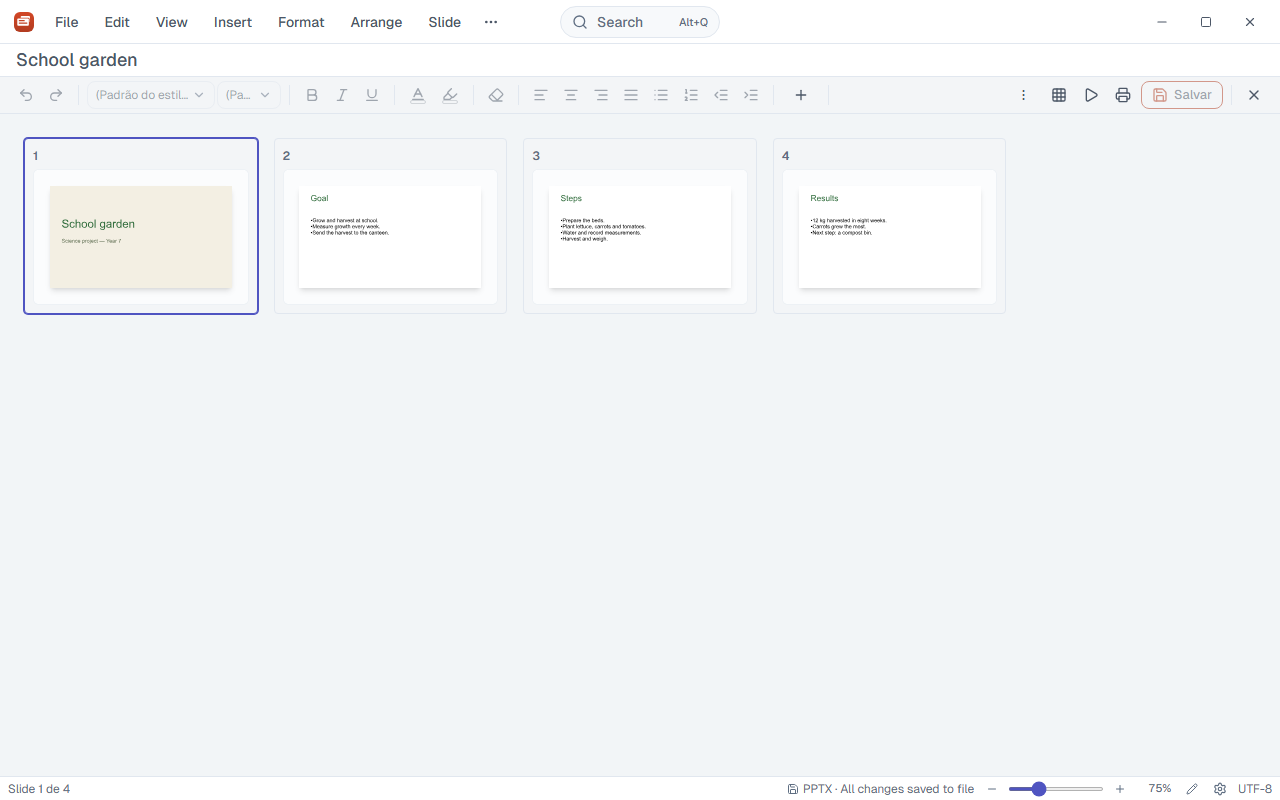
Create, duplicate, hide and delete slides. The New slide ▾ button picks the layout. Drag thumbnails to reorder and group slides into sections.
Where:Slide › New slide · Ctrl+M · Slide › Duplicate slide · Ctrl+D · Right-click a thumbnail
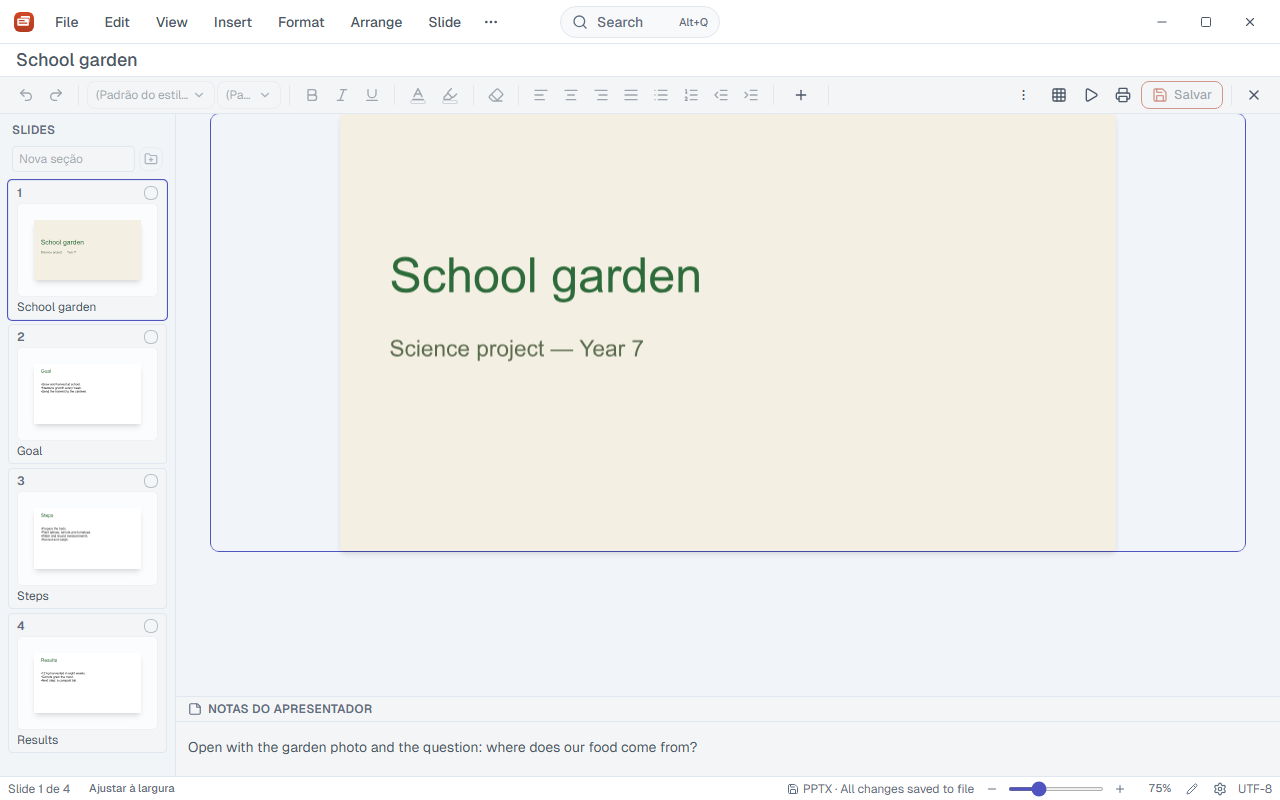
Text
Text box, font, size, bold, italic, underline, colour, highlight, alignment, lists and indent.
Where:Insert › Text box · Toolbar · Format › Text · Format › Lists
Shapes, images and charts
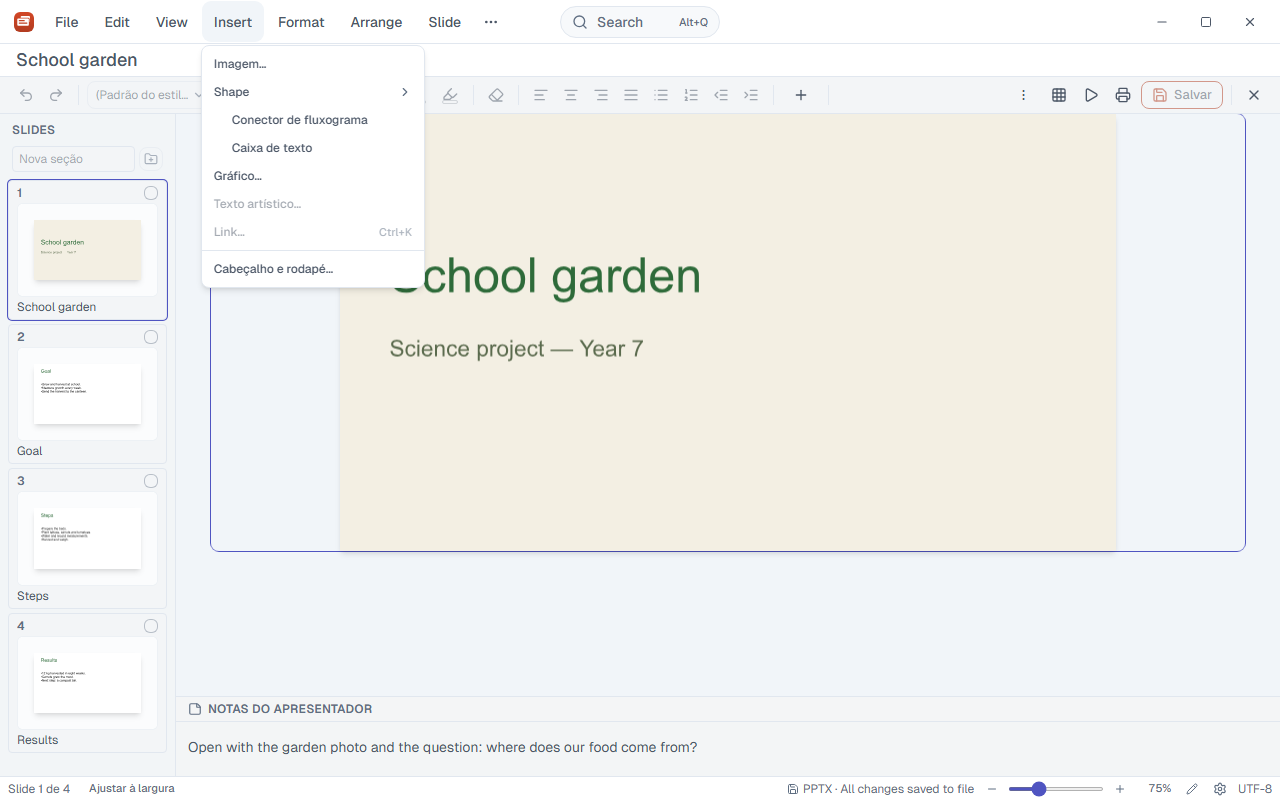
Rectangle, ellipse, line, triangle, diamond, arrow, star and speech bubble. Flowchart connectors, images, charts, word art and links.
Where:Insert › Shape · Insert › Image… · Insert › Chart… · Insert › Flowchart connector · Insert › Word art…
Arrange objects
Bring to front or send to back, align, distribute, group and ungroup.
Where:Arrange › Order · Arrange › Align objects · Arrange › Distribute · Arrange › Group
Shape effects
Shadow and effects on the selected shape.
Where:Format › Shape effects…
Theme, background and size
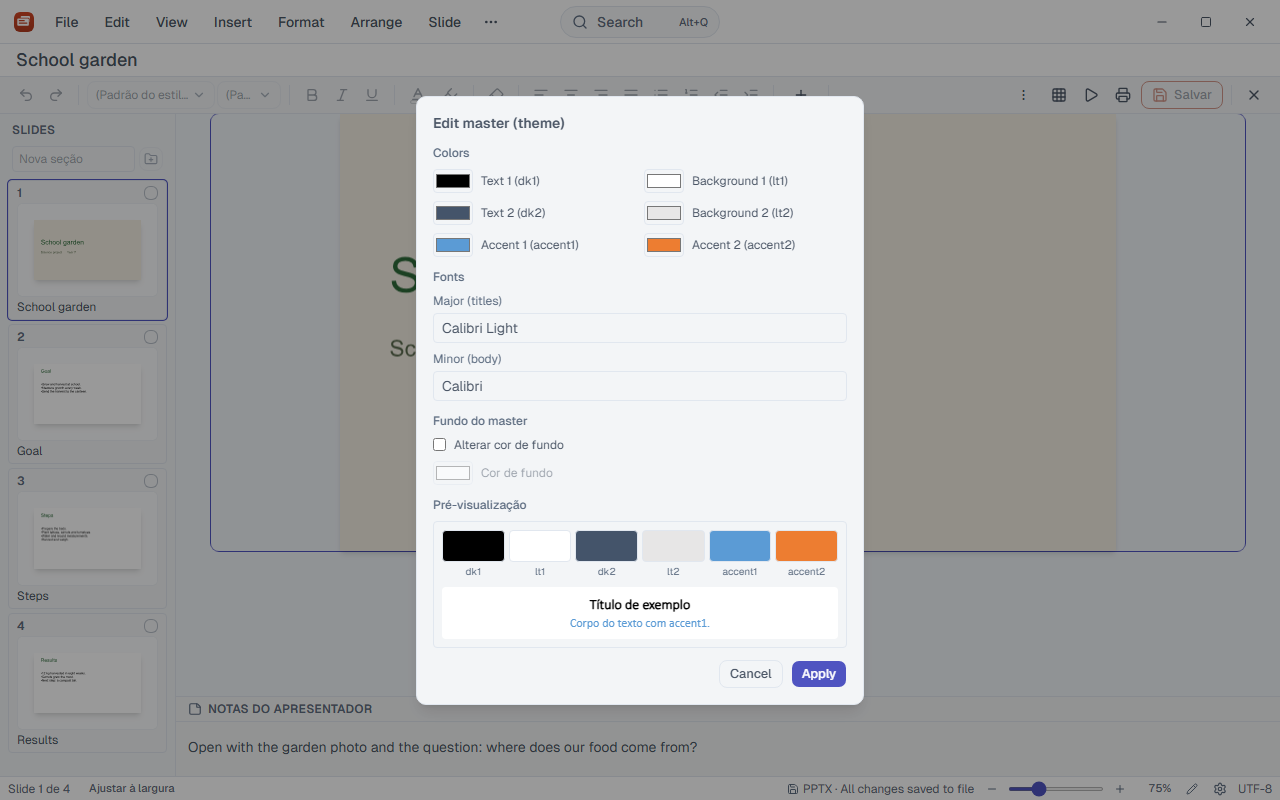
The theme sets the colours, fonts and background of the slide master. Change the background of one slide or all. Choose the slide size. Apply layouts from the side panel.
Where:Slide › Design (theme)… · Slide › Format background… · Slide › Slide size… · View › Side panel
Transitions and animations
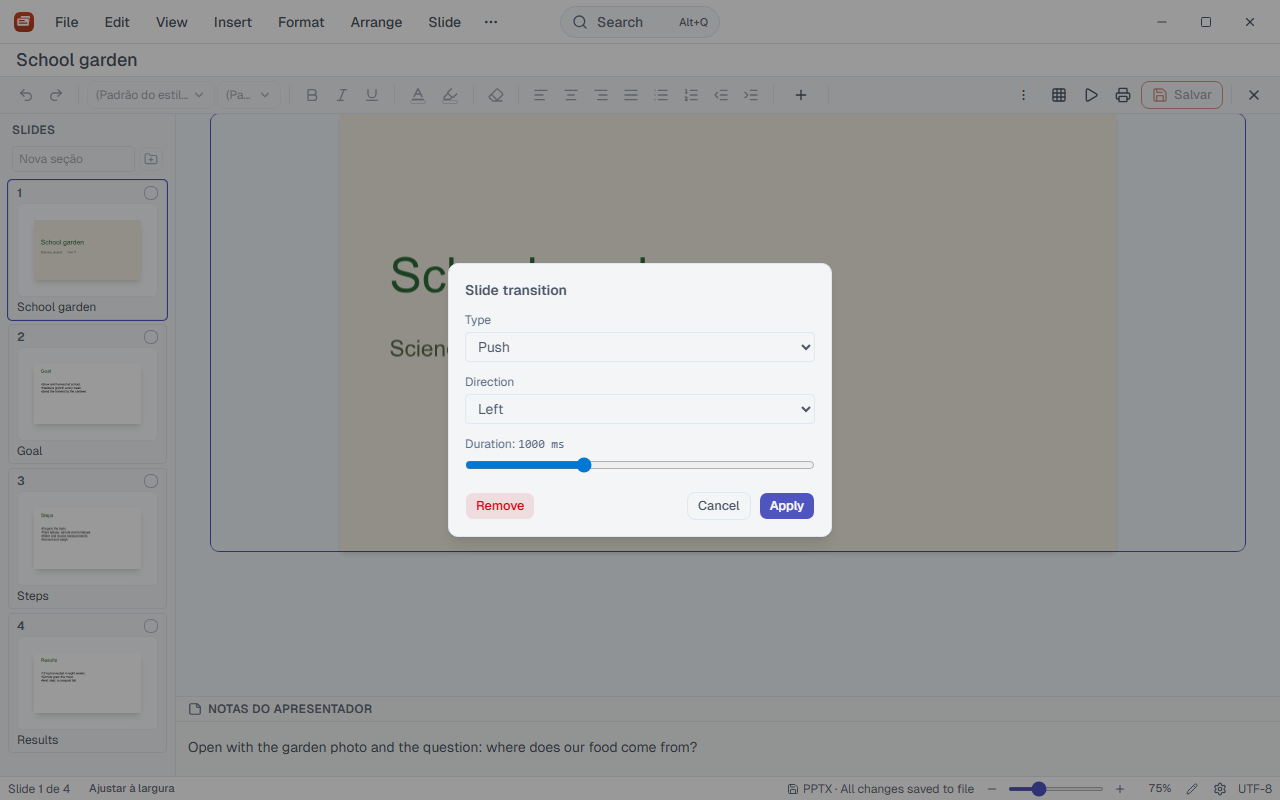
A transition per slide, with type, direction and duration. An animation per shape, with delay, duration and trigger.
Where:Slide › Transition… · Format › Animation…
Header and footer
Date, slide number and footer text.
Where:Insert › Header and footer…
Views
Normal, slide sorter and outline. Grid and guides for alignment. Speaker notes below the slide.
Where:View › Normal · View › Slide sorter · View › Outline · View › Grid and guides
Present
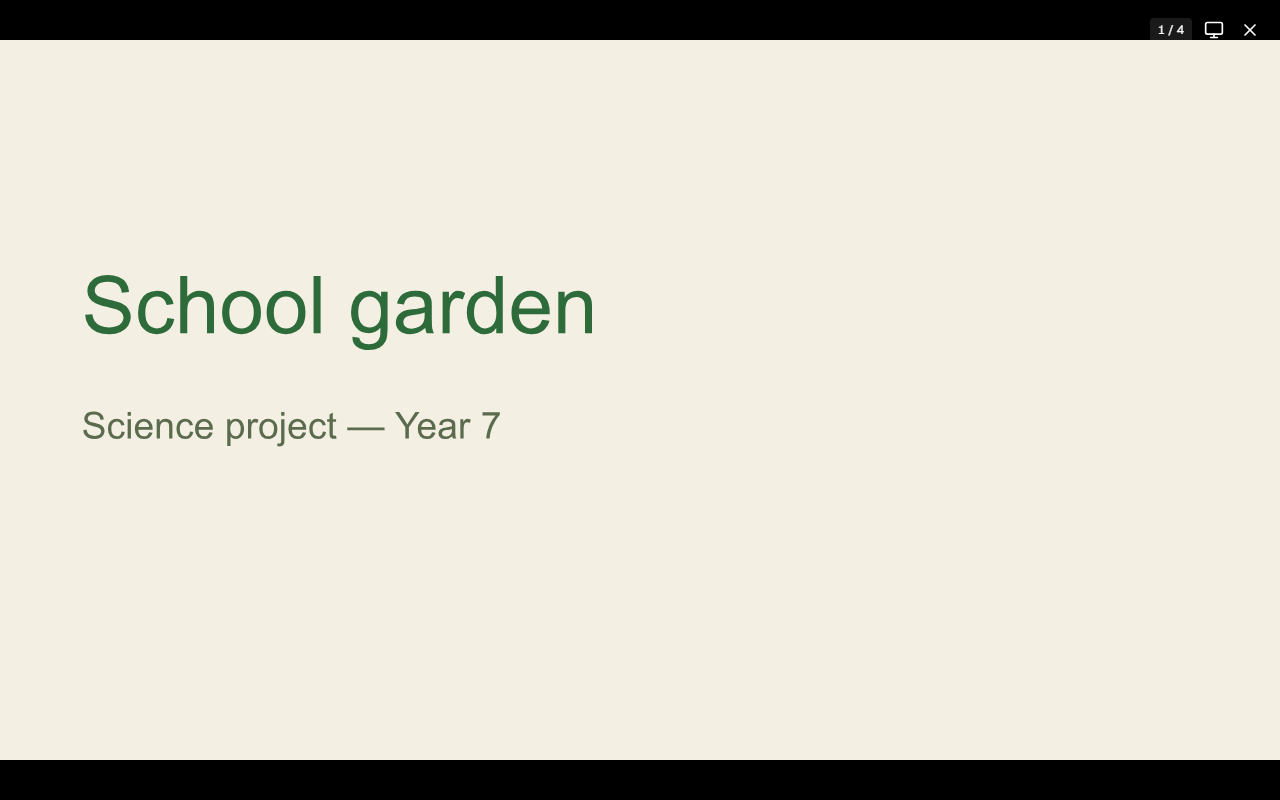
Present from the start or from the current slide. PageDown and PageUp move forward and back; Esc leaves. Black or white screen in one click. The presenter window, on a second monitor, shows the next slide, the notes and the timer.
Where:View › Start slide show · F5 · View › Present from current slide · Toolbar › Present
Find and replace
Search and replace text across all slides.
Where:Edit › Find · Ctrl+F · Edit › Replace · Ctrl+H
Export and print
Export the presentation as PDF or the current slide as a PNG image. Print.
Where:File › Export › PDF… · Slide › Export slide as image (PNG)… · File › Print…
Deck shortcuts
| Keys | What it does |
|---|---|
| F5 | Start the slide show |
| Esc | Leave the slide show |
| PageDown | Next slide |
| PageUp | Previous slide |
| Ctrl+M | New slide |
| Ctrl+D | Duplicate slide |
| Ctrl+N | New document |
| Ctrl+O | Open file |
| Ctrl+S | Save |
| Ctrl+Shift+S | Save as… (also F12) |
| Ctrl+P | |
| Ctrl+Shift+E | Export PDF |
| Ctrl+Z | Undo |
| Ctrl+Y | Redo (also F4) |
| Ctrl+F | Find |
| Ctrl+H | Find and replace |
| Alt+Q | Command bar |
| Ctrl+Shift+P | Command palette |
| Ctrl+Shift+N | New window |
| Ctrl+, | Settings |
| F1 | Help |
| Ctrl+/ | All shortcuts |